


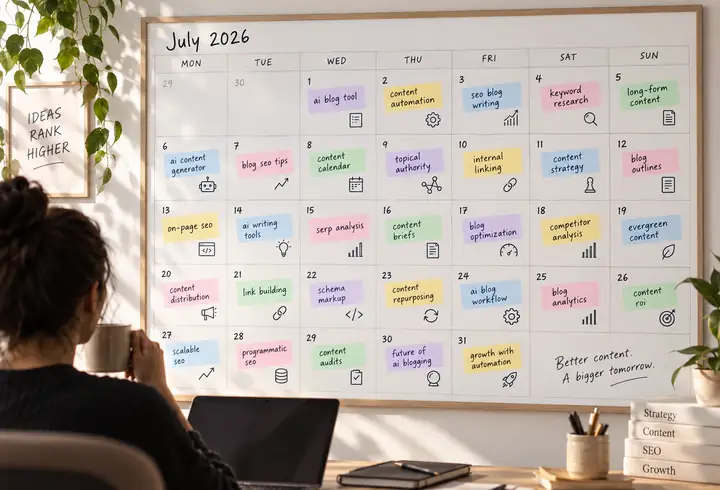
Deep analysis & your 30-day plan
Explore your niche, audience and competitors to identify useful, attainable topics—then turn the research into a practical publishing plan.
A simpler path to SEO-ready content and organic growth.

AI mentions explored
Article ideas inspired
Link opportunities
PROBLEMS & SOLUTION
Bring the essential parts of an organic-growth workflow together:
HOW IT WORKS
A clear content process helps you move from research to publication without juggling every step yourself.
Explore the workflowExplore your niche, audience and competitors to identify useful, attainable topics—then turn the research into a practical publishing plan.
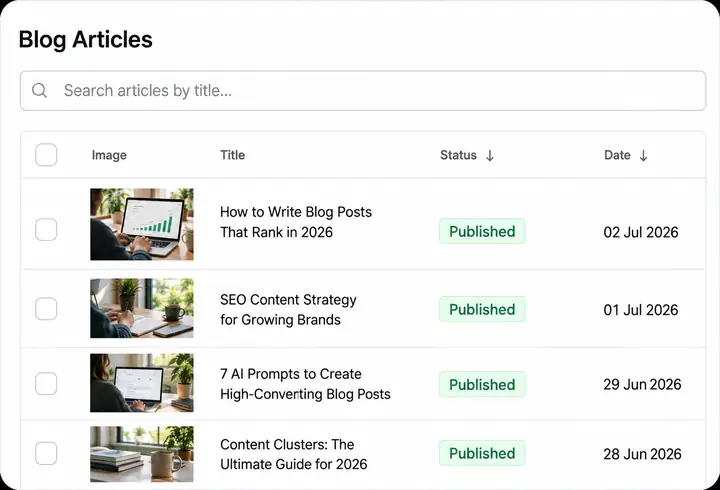
Create SEO-ready articles around the plan and keep a steady publishing rhythm while you concentrate on your business.

Support useful articles with relevant references and keep building the site authority that helps pages compete.
FEATURES
A clearer way to research, write and improve content.
Find promising keywords in your niche. Make content around your audience’s questions and organize ideas whenever inspiration strikes.
Find your topics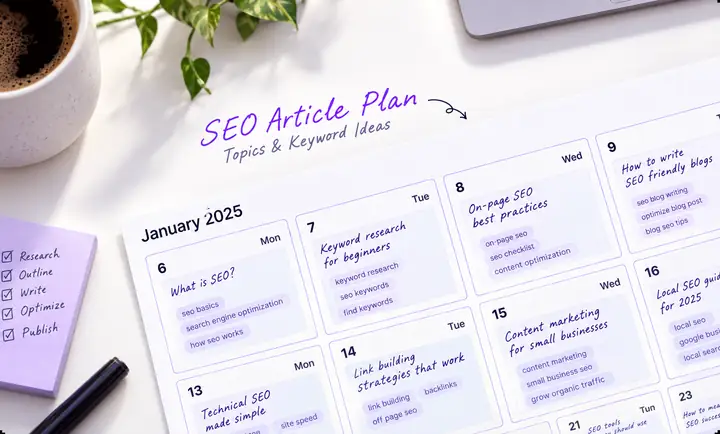

Write for people as well as search engines. Give each piece a useful structure, clear answers and relevant links.
Read examplesKeep your established point of view. Use examples of your published work to guide the tone and style of future articles.
Explore your voice

Give articles their own visual identity with images that suit your subject, preferred style and brand colors.
Explore visual ideasBUILD AUTHORITY
Relevant references can help useful pages earn authority. Keep track of where links appear and how your site develops over time.
Explore authority building
Look for articles on related sites where a reference would genuinely help the reader.
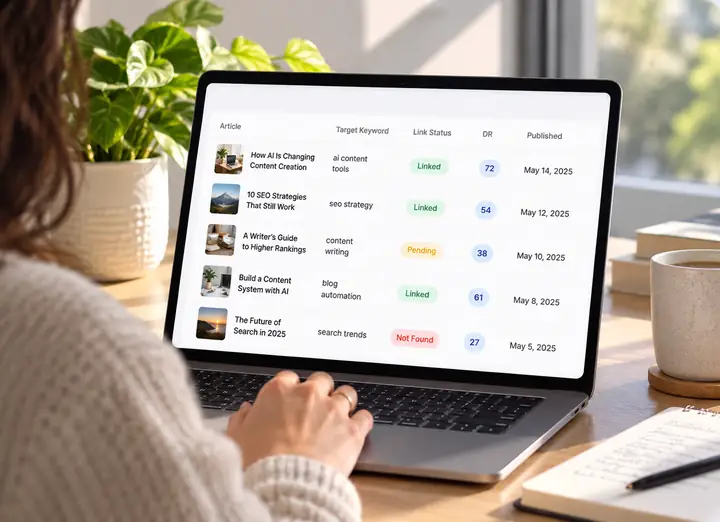
See where references appear and keep the relationship between content and authority visible.

Combine useful content and relevant links as part of a longer-term organic strategy.
INTEGRATIONS
Publish to a WP site
Sync CMS collections
Power store blogs
Publish to Framer
Support a Wix blog
Organize a database
Connect a publication
Hosted WP sites
Connect a workflow
Build a fast blog
Brainstorm topics, compare ideas and move your picks into a content calendar.

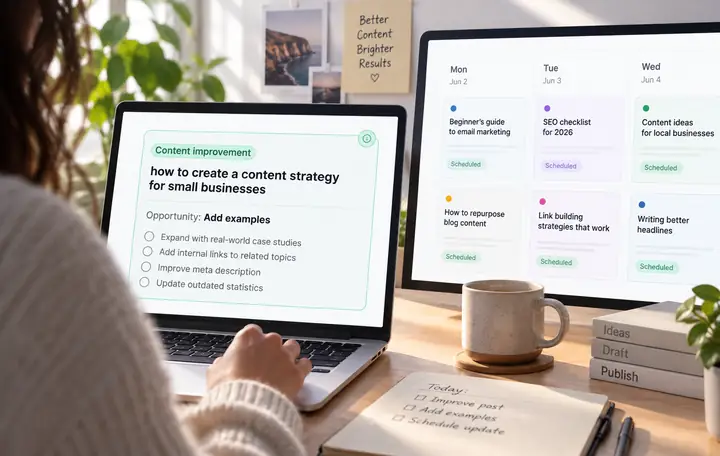
Spot pages that could do better and plan a considered rewrite.
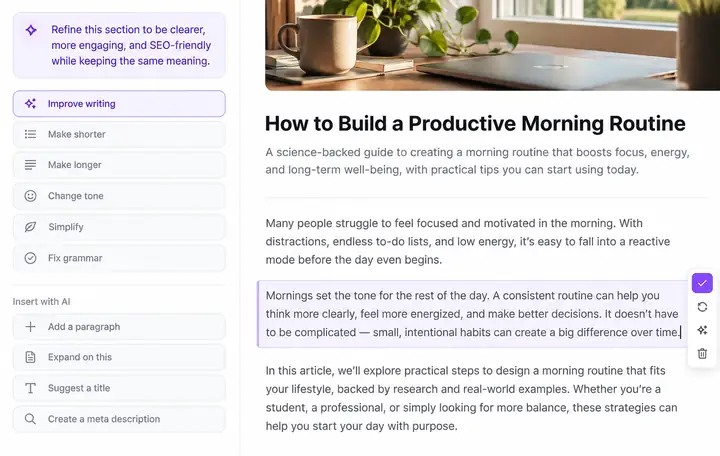
Change one sentence, refresh an image or work through an entire draft.
Check a scheduled article, make changes and approve the finished piece.

Discover sensible places for your work to be referenced.

Choose a schedule that makes sense for your site and audience.

Write around real products and the questions shoppers ask.

Plan content for the languages and markets your business serves.

Keep collaborators and their responsibilities organized in one place.

WRITING EXAMPLES
🔥 Creator guide Guide
✦ Comparison Comparison
◎ Product roundup Listicle

A useful guide begins with the question the reader actually has. It explains the options plainly, adds enough context to make a decision and avoids making the process sound effortless.
The right approach depends on the audience, the work already being published and the kind of offer a creator can support consistently.
Compare the available paths, choose one to test and give readers concrete next steps instead of vague promises.
See what a clear, reader-first article can look like.
Explore article ideasAI IN SEO
Useful, visible pages give people—and discovery tools—more ways to find you.
When people ask AI assistants questions, helpful pages that are easy to discover have a better chance of being considered.

Articles and useful tools can answer the questions your audience searches for. Each well-researched page becomes another way to discover your business.

A library of genuinely useful content takes time to build. Starting with the questions your customers have gives that work a purpose from day one.
Explore a starting point
NIndependent founderWebsite owner
“Having a consistent content process feels like having an extra pair of hands for the blog.”
Small team, big ambitions“The best part is being able to spend more time on our product and less time moving between tools.”
SSaaS builderContent team
“Research, writing and a publishing calendar are much easier to understand when they fit together.”
Editorial lead“Being able to review an article before it goes live matters to us.”
MMarketing leadGrowing business
“It helps to see the whole path, from an audience question to a useful published page.”
Independent publisher“A manageable cadence makes showing up for readers feel possible.”
ALL IN ONE
Make room for the work only you can do while building a more consistent foundation for organic discovery.
Start with a topic. Keep the research, writing and next steps in view.
Get started for freeExplore at your own pace.
FAQ
Find a quick answer before you take the next step.
Begin with your website, audience and content goals. Research topics, prepare drafts and review each article as part of a regular publishing process.
SEO-friendly content starts with a useful answer. Clear headings, relevant terms, helpful links and readable copy all have a role.
Yes. Give each website its own audience, topics and editorial priorities so its content stays relevant.
Common options include WordPress, Webflow, Shopify, Framer, Wix, Ghost and other connected workflows.
Plan for the language your audience uses. Review localized content for accuracy, tone and regional context before publication.
Choose a cadence you can sustain. A thoughtful, consistent schedule is more useful than publishing simply to fill a calendar.
Yes. Your content plan should evolve as you learn which customer questions and topics matter most.
Reviewing a draft gives you a chance to check facts, improve examples and keep the article true to your voice.
Absolutely. Bring your own topics and compare them with the questions your audience is already asking.
A shared plan helps researchers, writers and reviewers understand what is being prepared and what needs attention.
LET’S TRY